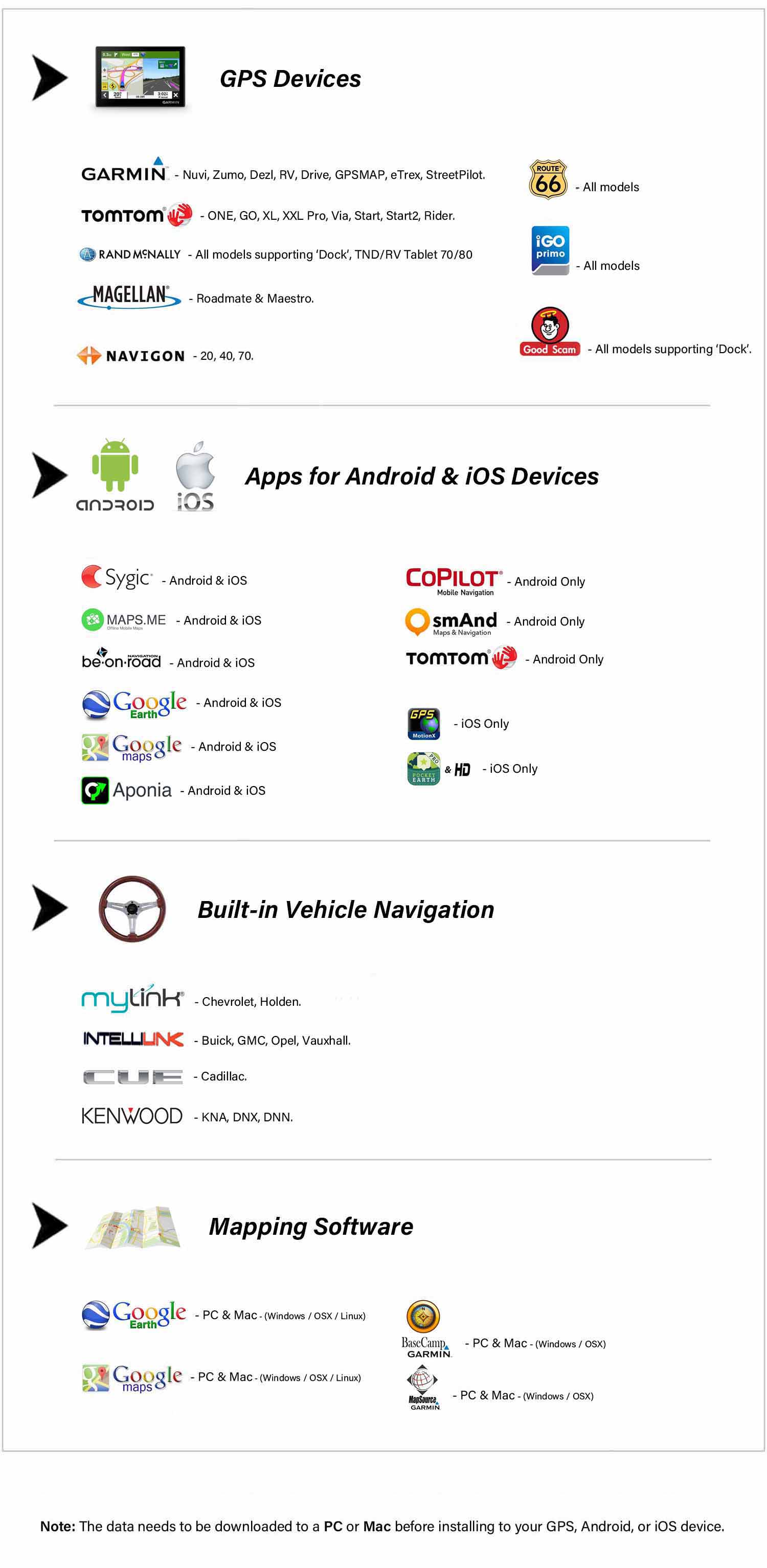
| Manufacturer |
Compatible |
GPS model |
Garmin
(Also compatible with Mapsource) |
|
Nuvi all models, Venture Cx, Legend Cx, Vista Cx
GPSMAP 60Cx, GPSMAP 60CSx, GPSMAP 76Cx, GPSMAP 76CSx,
Quest 2 , Que M3, M4, M5, 3000
StreetPilot i2, i3, i5, c310, c320, c330, c340, c510, c550, 2720, 2730, 7200, 7500, 610T
Compatible with all other Garmin models that support the Garmin POI Loader software |
| TomTom |
|
ONE, GO, Rider all models |
| Navman |
|
ICN510 (v3), ICN520 (v3), ICN530(v3), ICN550 (v3), ICN600, ICN620 (v3), ICN630 (v3), ICN635 (v3), ICN650 (v3), ICN720, ICN750, PIN570 or PocketPC (v3) , N20, N40i, N60i, F50 , S50, S70, S80, S90i |
|
Not compatible with Navman software version 1 or 2, ICN330, F20 , S30 |
Route1 is compatible with most GPS systems that have the ability to load third-party 'points of interest' (POI) information. If your system is not listed above, and it can load POI files, then please download Route1 in either Garmin or Navman format. The data will be supplied in standard .csv format with 22x22 icons, which is readable by a wide range of systems. |
Compatibility with your mapping software
Route1 is compatible with MS Streets & Trips, Delorme Street Atlas, and Google Earth.
For automatic installation, MS Streets & Trips (.est), Delorme Street Atlas (.dmt), and Google Earth (.kml)
files are provided, and have been tested on the 2009 and later versions of their respective applications.
Backwards compatibility of these files is not guaranteed with older versions, but may be possible.
For manual installation .csv and .txt files are provided together with full instructions, so whichever version you have you should be able to install Route1.
|